Create Layer

1
Upload Data
2
Configure
3
Metadata
1
Upload Data
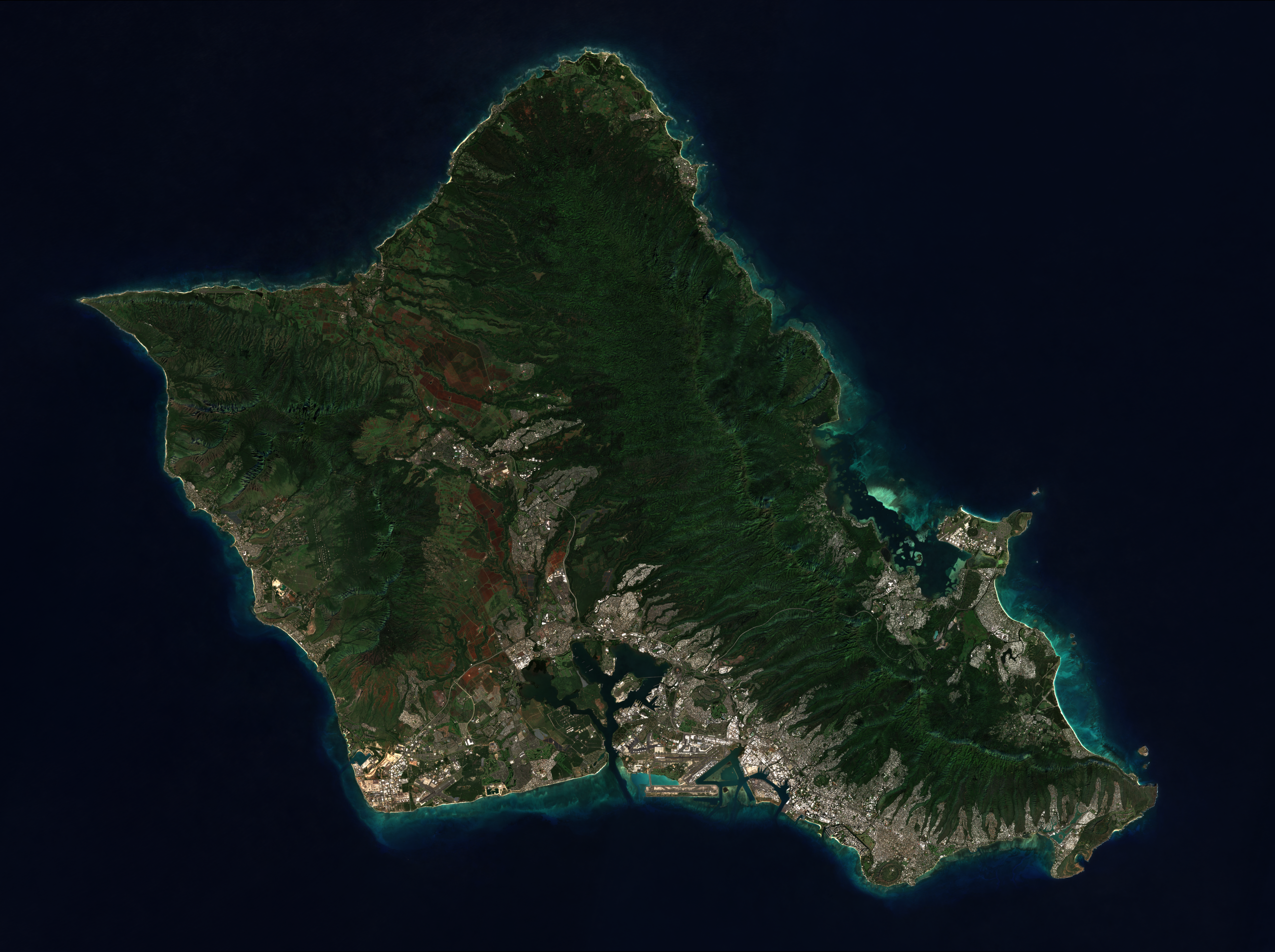
Choose which Hawaiian island to process data for

Drag and drop your geospatial file or shapefile folder here

Supported formats: .geojson, .zip (shapefiles), or a folder of shapefile components
Shapefiles must include: .shp, .dbf, .shx, .prj
Current File
2
Configure Data
Select a property to group features by, or leave as "All features" to create one layer
Choose a color scheme for visualizing your data
3
Layer Metadata
Name for this layer dataset
Detailed description of the layer content
Data source or attribution
Choose an icon to represent this layer
Change any settings and click "Create Layer" to regenerate layers

Visualization

Basemap